How to Share Live Photos on WhatsApp & Instagram Without Losing Animation
You captured the perfect Live Photo, but when you send it to a friend on WhatsApp or try to post it to your Instagram Story, it turns into a boring, static image. Sound familiar?
Because Live Photos are an Apple-exclusive format, most third-party social media apps do not know how to handle them. When you attach a Live Photo in WhatsApp or Messenger, the app strips away the 3-second video clip and only sends the main still image to save bandwidth.
Here is how you can bypass this limitation and share the full, animated experience.
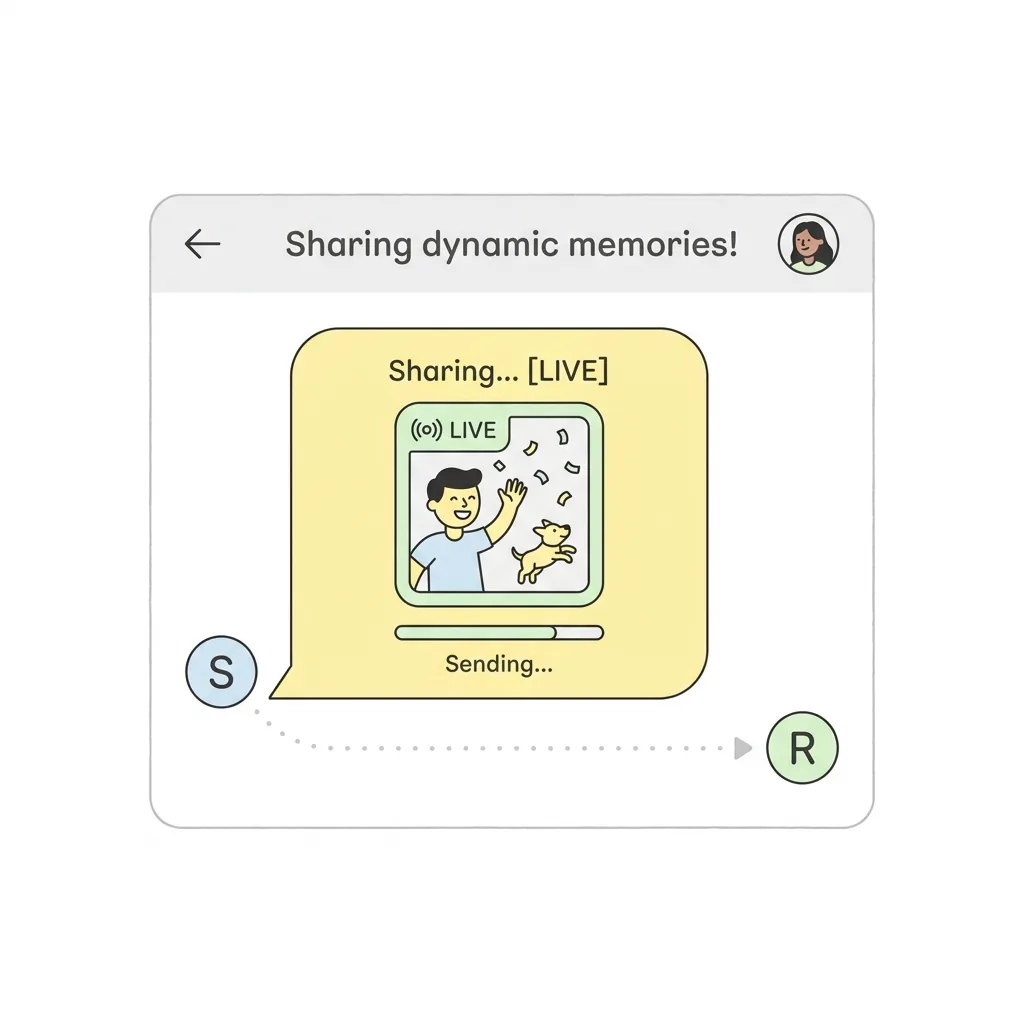
Method 1: Send as a Video on WhatsApp (Natively)
If you only want to send the Live Photo to a friend in a WhatsApp chat, there is a hidden feature built into WhatsApp for iOS that lets you send it as a video.
- Open a WhatsApp chat.
- Tap the (+) icon and select Photo & Video Library.
- Find your Live Photo.
- Do not just tap it. Instead, long-press the photo until a context menu appears.
- Select Select as Video.
- The video editor will appear. Tap the send button.
Note: This feature is notoriously buggy and sometimes disappears after WhatsApp updates. If it doesn't work for you, proceed to Method 2.
Method 2: Post to Instagram Stories using Boomerang
Instagram natively supports turning Live Photos into Boomerangs for your Stories, provided the Live Photo was taken in the last 24 hours.
- Open Instagram and swipe right to create a new Story.
- Swipe up to open your Camera Roll.
- Select your Live Photo.
- Once the photo is on the screen, firmly press and hold anywhere on the screen (or use the Boomerang infinity icon at the top).
- The screen will flash, and your Live Photo will instantly convert into a looping Boomerang video.
Method 3: Convert Live Photo to Video (The Universal Fix)
For a regular video post on TikTok or Instagram, converting your Live Photo into an MP4 is a practical way to keep the movement. You can also send that video in chats that accept video attachments.
TikTok now has a separate option for photo replies: see how to post Live Photos in TikTok comments. That feature uses a Live Photo from your camera roll rather than an MP4 attachment.
MP4 videos are universally supported across every platform, operating system, and messaging app.
You don't need to download any sketchy apps to do this. You can use our free Live Photo to Video Converter.
- Open the tool in your mobile browser.
- Select your Live Photo.
- Click "Convert" and download the MP4 file.
Your privacy is completely protected because the conversion happens directly inside your phone's browser using WebAssembly - no files are ever uploaded to a server.
Once you have the MP4, you can upload it anywhere, and it will play exactly as you remember it. If you prefer a looping image format for forums or older chat apps, you can also use our Live Photo to GIF Converter.