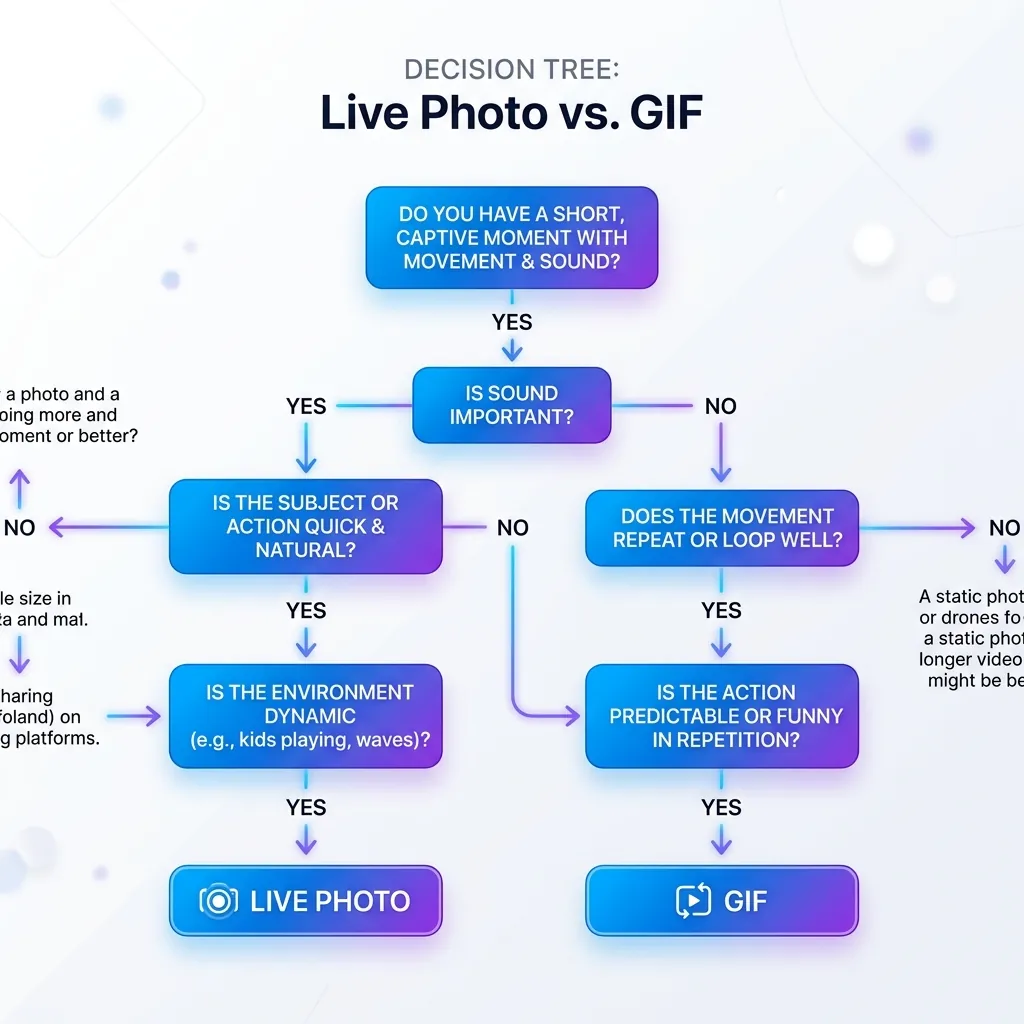
Live Photo vs GIF: The Complete Comparison
Both Live Photos and GIFs capture a little slice of motion, but they're built on completely different technology and excel at completely different things. One is a high-fidelity Apple format tied to the iOS ecosystem; the other is a 35-year-old web standard that plays literally everywhere. This guide breaks down exactly what each format is, how they compare on quality, size, audio, and compatibility, and how to convert between them when you've picked a side.
What is a Live Photo?
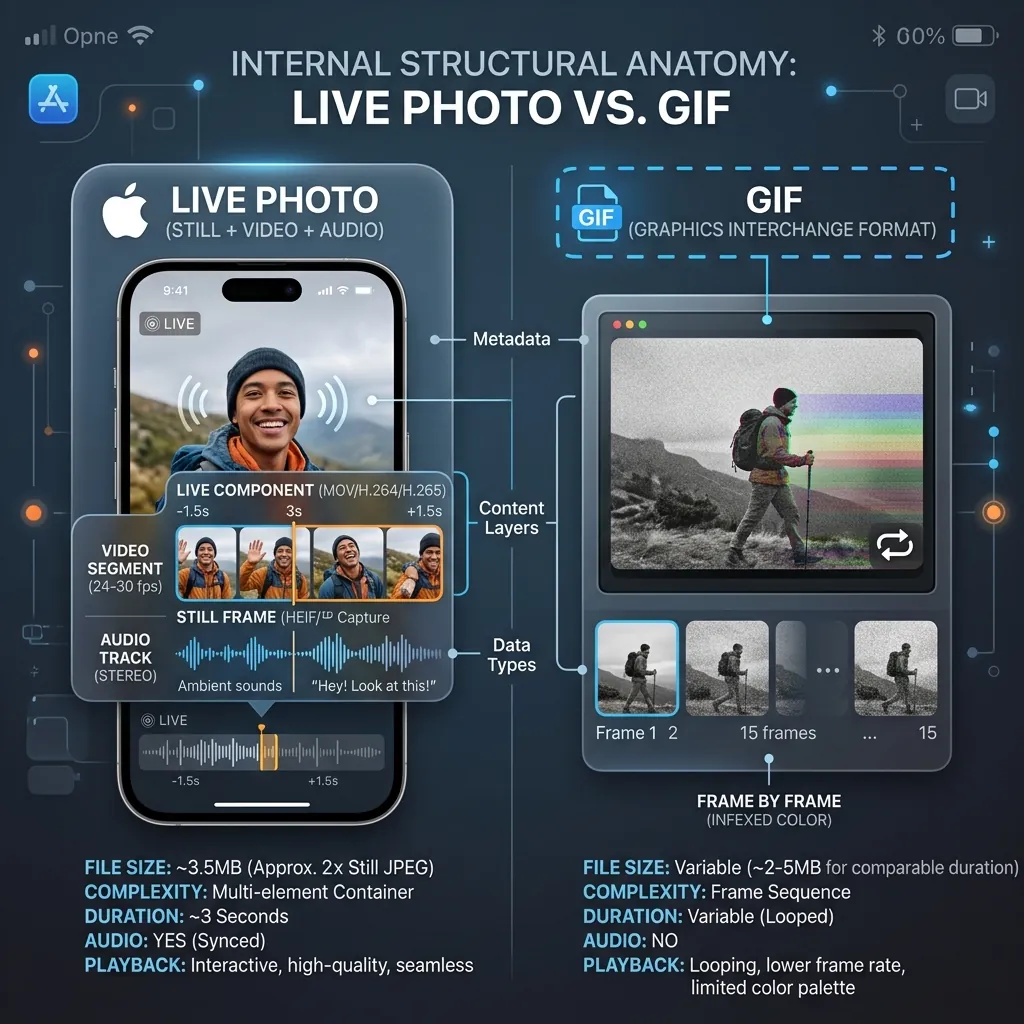
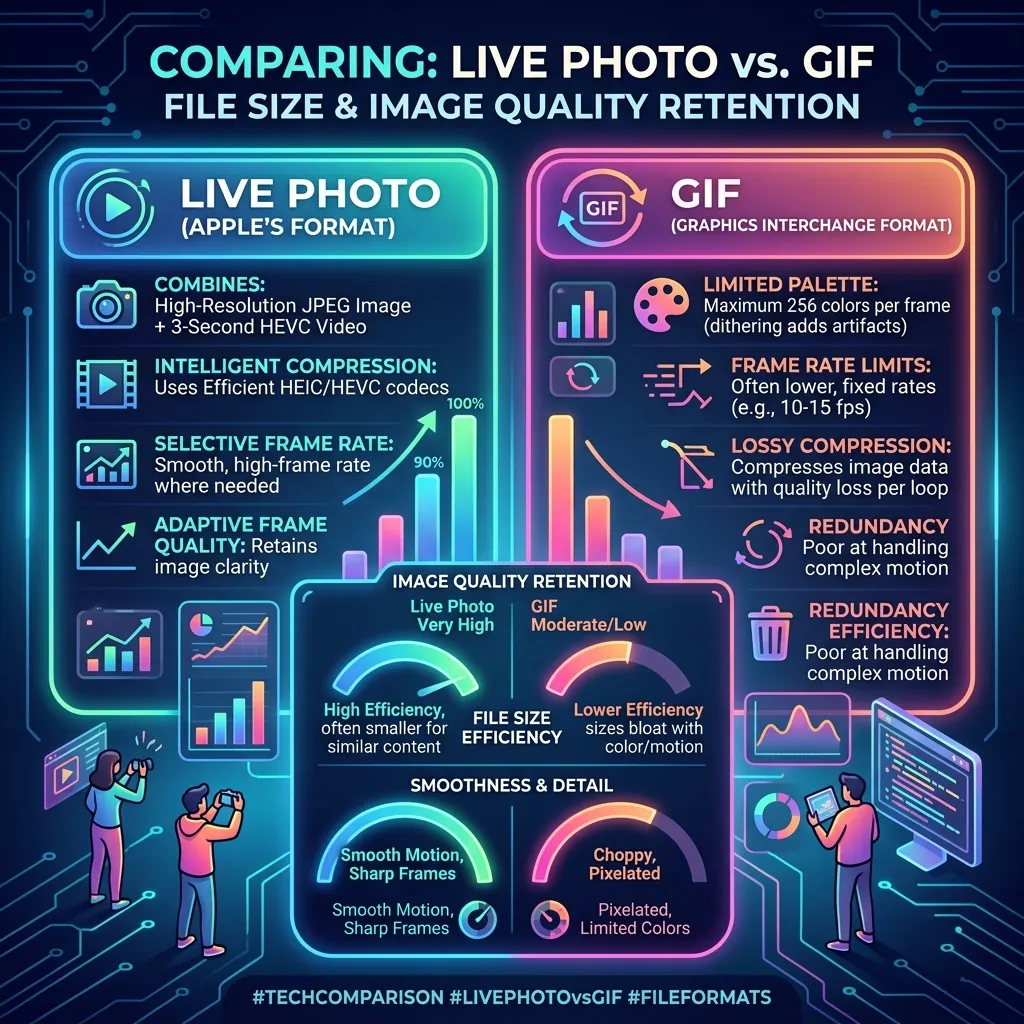
A Live Photo is not a single file — it's a pairing of two files: a full-resolution still frame (usually HEIC, sometimes JPEG) plus a short HEVC .MOV video that captures roughly 3 seconds of motion (about 1.5 seconds before and 1.5 seconds after you press the shutter). It also records audio. When exported as a .livp, those two files are bundled inside a single ZIP container.
Because the motion clip uses HEVC (the same codec behind HEIC), it preserves full color depth, smooth frame rates, and the original audio track. The trade-off is that this richness is deeply tied to Apple's ecosystem — the "live" behavior only works when iOS or macOS knows how to read the paired files together. For a deeper breakdown of the container, see our Live Photo format guide.
What is a GIF?
A GIF (Graphics Interchange Format) is a single image file that stores a sequence of frames that loop. It dates to 1987 and was never designed for high-fidelity video. Its defining constraints:
- 256-color palette per frame. GIF is limited to 8-bit indexed color, so gradients, skin tones, and skies often band or dither.
- No audio. GIF cannot carry sound — ever.
- No real compression for motion. Each frame is stored with lossless LZW compression, but there's no inter-frame video compression, so detailed or long GIFs balloon in size.
What GIF gives up in quality it makes up in reach: it plays automatically, on a loop, in essentially every browser, chat app, email client, and CMS without a codec, plugin, or special player.
Live Photo vs GIF: the key differences
Here's the head-to-head on the dimensions that actually drive the decision.
| Dimension | Live Photo | GIF |
|---|---|---|
| What it is | HEIC/JPEG still + HEVC .MOV (bundled as .livp ZIP) | Single image file with looping frames |
| Color depth | Full color (HEVC, millions of colors) | 256 colors max per frame (8-bit indexed) |
| Audio | Yes, records sound | No, silent always |
| Typical file size | Small for its quality (HEVC is efficient) | Often large; grows fast with length/detail |
| Motion length | ~3 seconds (fixed) | Arbitrary, but bigger = heavier |
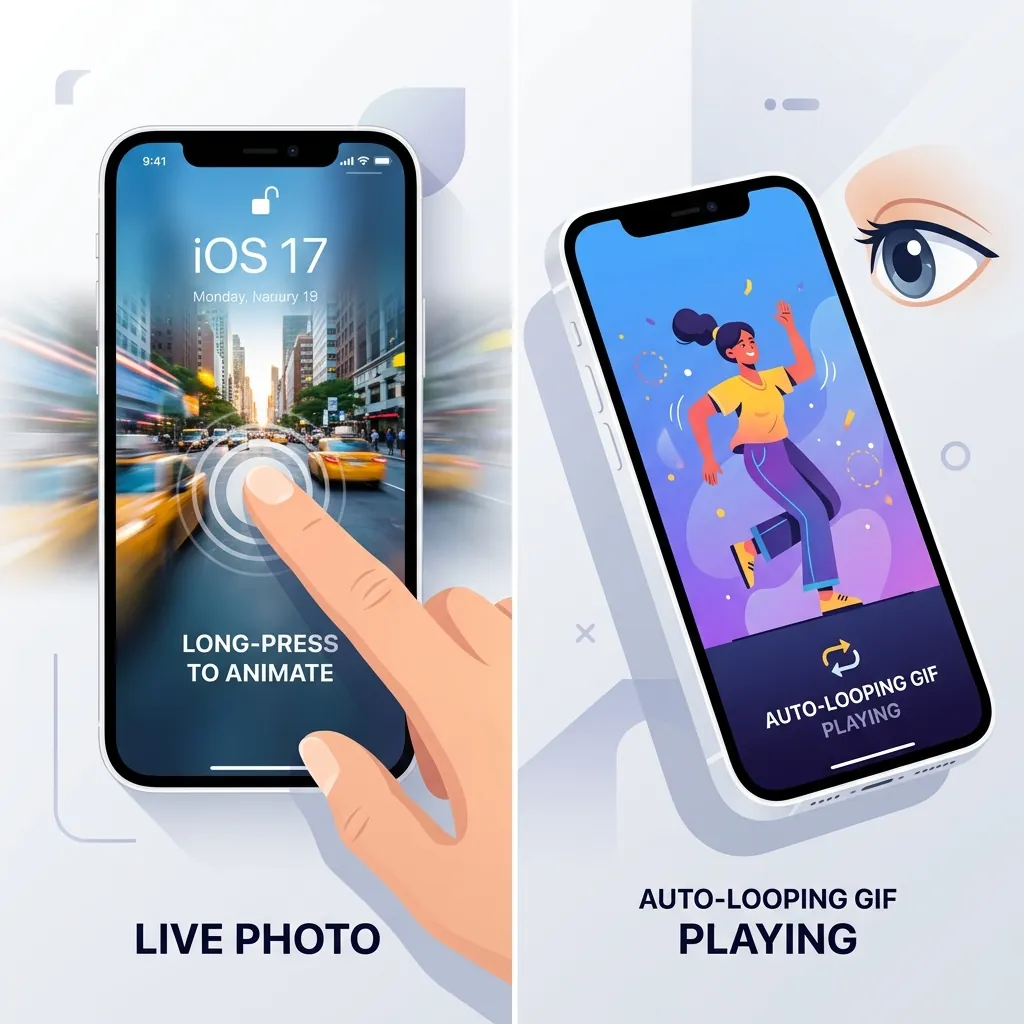
| Looping | Plays once / bounce on press | Loops forever automatically |
| Compatibility | iOS / macOS native; limited elsewhere | Universal — every browser, chat, email |
| Editing/sharing | Stays "live" mainly inside Apple's ecosystem | Drop in anywhere, no player needed |
| Best for | Reliving a moment with sound + quality | Web, messaging, reactions, memes |
The single biggest practical gap is compatibility versus quality. A Live Photo looks better and includes audio, but outside of an iPhone or Mac it usually collapses into a still image or a generic video. A GIF looks worse and is silent, but it will animate on the first try in a Slack message, a tweet, a Notion page, or a marketing email.
When should you use a Live Photo vs a GIF?
Use a Live Photo when you're staying inside Apple's world: setting a Live wallpaper, keeping the audio, or preserving the highest-quality version of a personal moment in your iOS Photos library. The motion and sound are the point.
Use a GIF when the destination is the open web or a chat: a looping product demo, a reaction clip, a how-to snippet in documentation, or anything that needs to "just play" for people who aren't on iPhones. If you control where it's published and quality matters, consider a video file instead — which brings us to the honest limitation below.
The honest middle ground: use a video instead
For many "I want to share my Live Photo online" cases, a GIF is actually the wrong answer — an MP4/HEVC video is smaller, full-color, and supports audio, and modern platforms autoplay it. GIF only wins when the target truly can't embed video (some email clients, certain forums, older CMSes). If your destination supports video, convert your Live Photo to a video instead of a GIF and you'll get a smaller, better-looking file. Reach for GIF specifically when looping-everywhere compatibility beats quality. For a head-to-head on that choice, see Live Photo vs Video.
How to convert between Live Photo and GIF
Live Photo to GIF
The motion portion of a Live Photo is the HEVC .MOV inside the .livp bundle. To turn it into a GIF, that video gets unpacked, decoded, sampled into frames, and re-encoded with a 256-color palette and a loop flag. The audio is dropped (GIF can't carry it). The main quality decisions are frame rate and palette: more frames and a finer palette look better but inflate file size quickly.
LivePhotoTools does this entirely in your browser using FFmpeg compiled to WASM — your .livp is never uploaded to a server, there's no watermark, and it's free. You can verify nothing leaves your machine by opening your browser's DevTools Network tab while you convert.
One real limitation worth stating: in-browser HEIC/HEVC decoding depends on your browser's native support. Most macOS and recent iOS browsers handle it natively, but some Windows and Chrome setups lack the HEVC/HEIF codec and can't decode the source — a genuine constraint, not something any in-browser tool can fully work around. Windows users may also need Microsoft's HEVC/HEIF extensions installed. See our HEIC guide for the codec details.
GIF to Live Photo
Going the other direction is possible too — a GIF's frames can be re-timed into a short video and paired with a still frame to build a .livp. Keep in mind you're upscaling from a 256-color, silent source, so the result won't gain quality or audio that wasn't there.
If you've decided on a GIF, here's how
Since GIFs win on universal compatibility, the fastest path is to drop your Live Photo straight into our converter: convert your Live Photo to a GIF. It runs locally in the browser, keeps your files private, adds no watermark, and lets you pick your frame rate so you get a clean looping GIF ready to post anywhere. And if you later find your destination supports video after all, you can always export it as a video for a smaller, higher-quality result with sound.