How to Convert a Live Photo to a GIF
A GIF is the most universal way to share a short, looping animation - it plays automatically in chats, forums, and emails, on any device. Converting an iPhone Live Photo to a GIF turns that press-and-hold moment into something everyone can see, Apple or not. Here's how to do it in your browser, with no app to install and nothing uploaded.
How to Convert a Live Photo to a GIF
- Open the Live Photo to GIF converter.
- Drop in your Live Photo - a
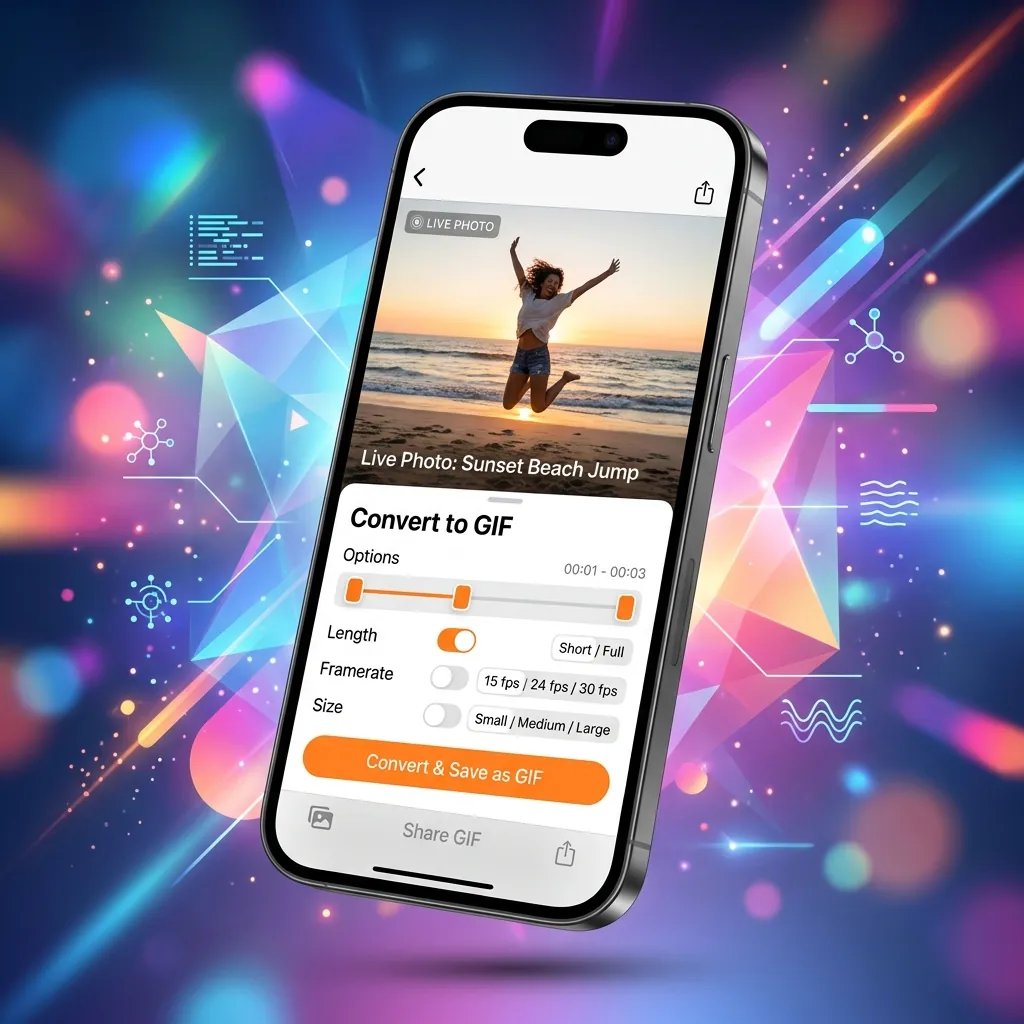
.livppackage, or the MOV/MP4 exported from the Photos app. - Choose your settings (see the recommendations below): frame rate, size, loop, and quality.
- Click Convert and download your GIF. The whole process runs locally on your device.
If your iPhone only hands the website a still image instead of the motion, open the Live Photo in Photos > Share > Save as Video, then upload that video here.
Best Settings for a Clean GIF
| Setting | Recommended | Why |
|---|---|---|
| Frame rate | 15 FPS | Smooth motion without bloating the file |
| Size | 480px (or 640px max) | Looks sharp and stays under chat/upload limits |
| Loop | Loop Forever | The classic, continuous GIF feel |
| Quality | High, or Medium for messaging | Medium shrinks the file for WhatsApp/Discord |
GIFs use a 256-color palette, so they're naturally larger and less detailed than video at the same length. Keeping the width at 480-640px and the clip short is the easiest way to get a crisp result.
GIF or Video? Pick the Right One
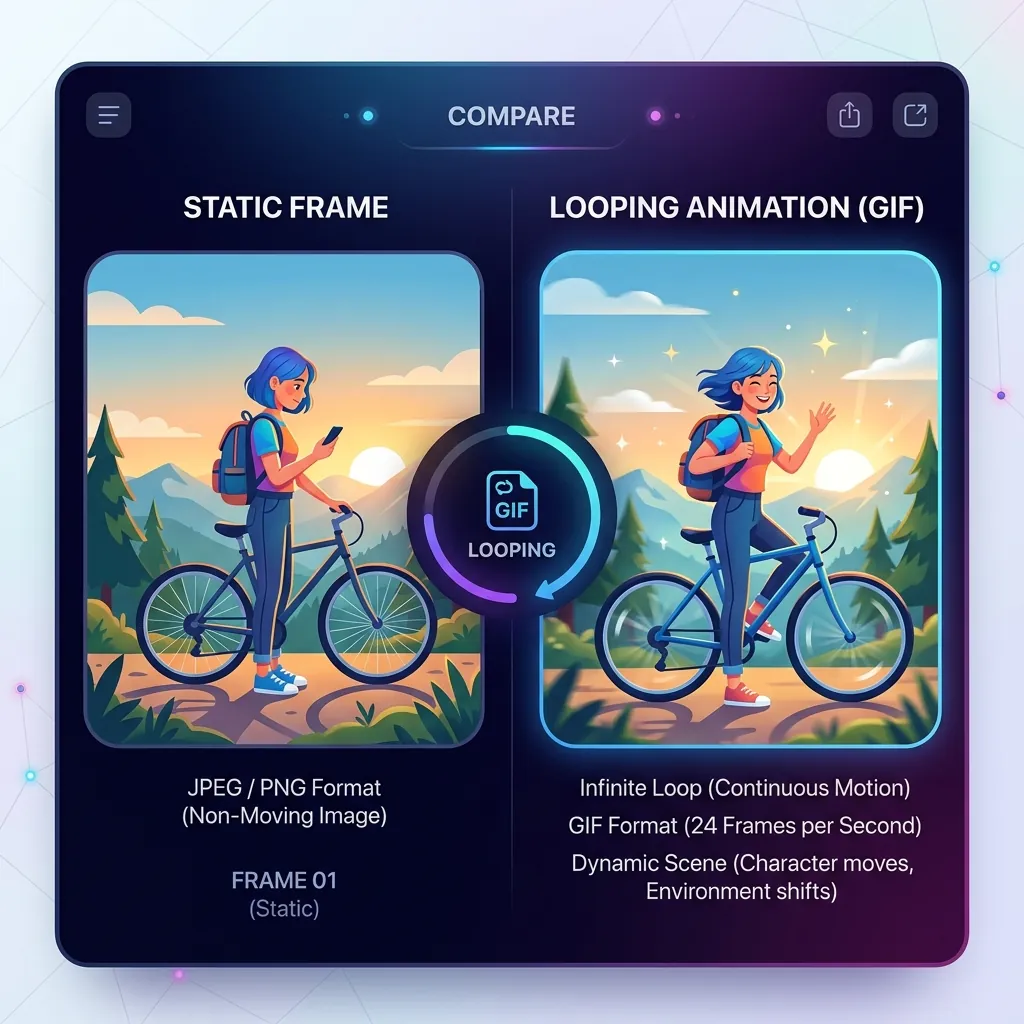
A GIF wins on universal compatibility, but it's silent and heavier than video for the same quality. If your destination supports video (most modern apps and platforms do), an MP4 will look better, include audio, and weigh less - here's how to convert a Live Photo to video instead, and a deeper comparison in Live Photo vs GIF. Reach for a GIF when looping-everywhere compatibility matters more than quality.
Going the Other Way
Already have a GIF and want it to move like a Live Photo on your iPhone? You can convert a GIF to a Live Photo too. New to the format? Start with what an iPhone Live Photo is.
Frequently Asked Questions
Can I convert a Live Photo to a GIF without an app? Yes. The converter runs entirely in your browser - no app, no account, and your file is never uploaded.
Why is my GIF so large? GIFs store every frame with a limited color palette, so file size climbs fast. Lower the frame rate to 15 FPS, cap the width at 480px, and use Medium quality to shrink it.
Will the GIF have sound? No - GIFs can't carry audio. If you need the sound, convert to a video instead.
Does it work on Android or Windows? Yes. The tool runs in any modern browser, so you can convert a Live Photo file to a GIF on any device.