Live Photo vs Video: What's the Difference?
A Live Photo and a video both capture motion, so it's easy to assume they're the same thing. They're not. Understanding the difference tells you when to keep a Live Photo as-is and when you're better off converting it to a video for sharing. (For the full background, see what an iPhone Live Photo is.)
What Each One Actually Is
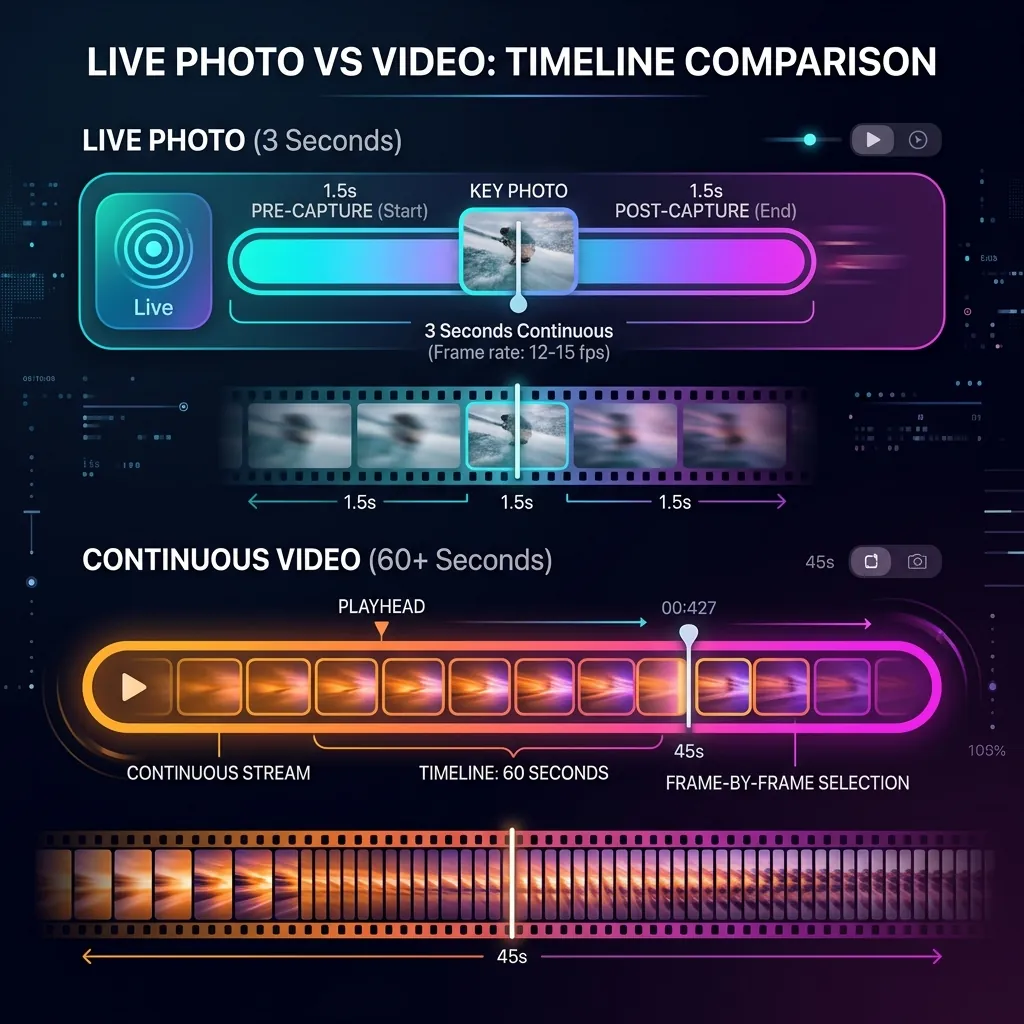
A Live Photo is a still image with a short, attached motion clip. Its job is to be a photo first - a single high-resolution frame you can print, crop, or set as your key image - with about three seconds of movement and sound layered on top. It only plays when you press and hold it on an Apple device.
A video is motion first. Every frame matters equally, it plays start to finish on any device, and it has no special "key frame" or press-and-hold behavior. An MP4 is the closest thing to a universal format that exists.
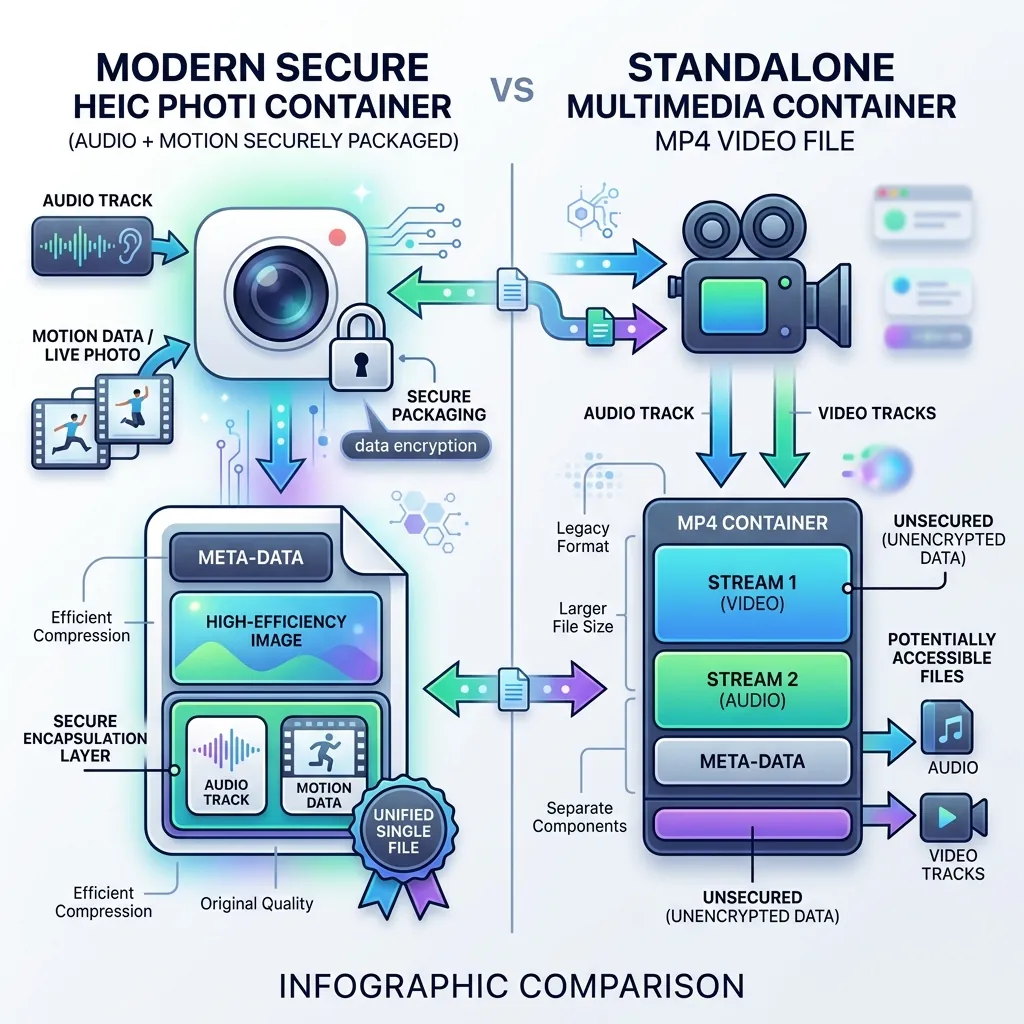
Live Photo vs Video: The Key Differences
| Live Photo | Video (MP4) | |
|---|---|---|
| Primary purpose | A photo with motion | Pure motion footage |
| Length | ~3 seconds (fixed) | Any length |
| Plays how? | Press and hold | Plays/auto-plays anywhere |
| Audio | Yes | Yes |
| Still frame | Full-resolution key photo | Just video frames |
| Works on Android/Windows | No (shows still only) | Yes |
| Best for | Capturing a moment on iPhone | Sharing anywhere |
When to Keep a Live Photo
- You're staying inside the Apple ecosystem (iPhone, iPad, Mac).
- You want a high-quality still you can also animate.
- You plan to set it as an iPhone Lock Screen wallpaper (only a Live Photo can do that natively).
- You want to apply Apple's Loop, Bounce, or Long Exposure effects later.
When to Convert to a Video
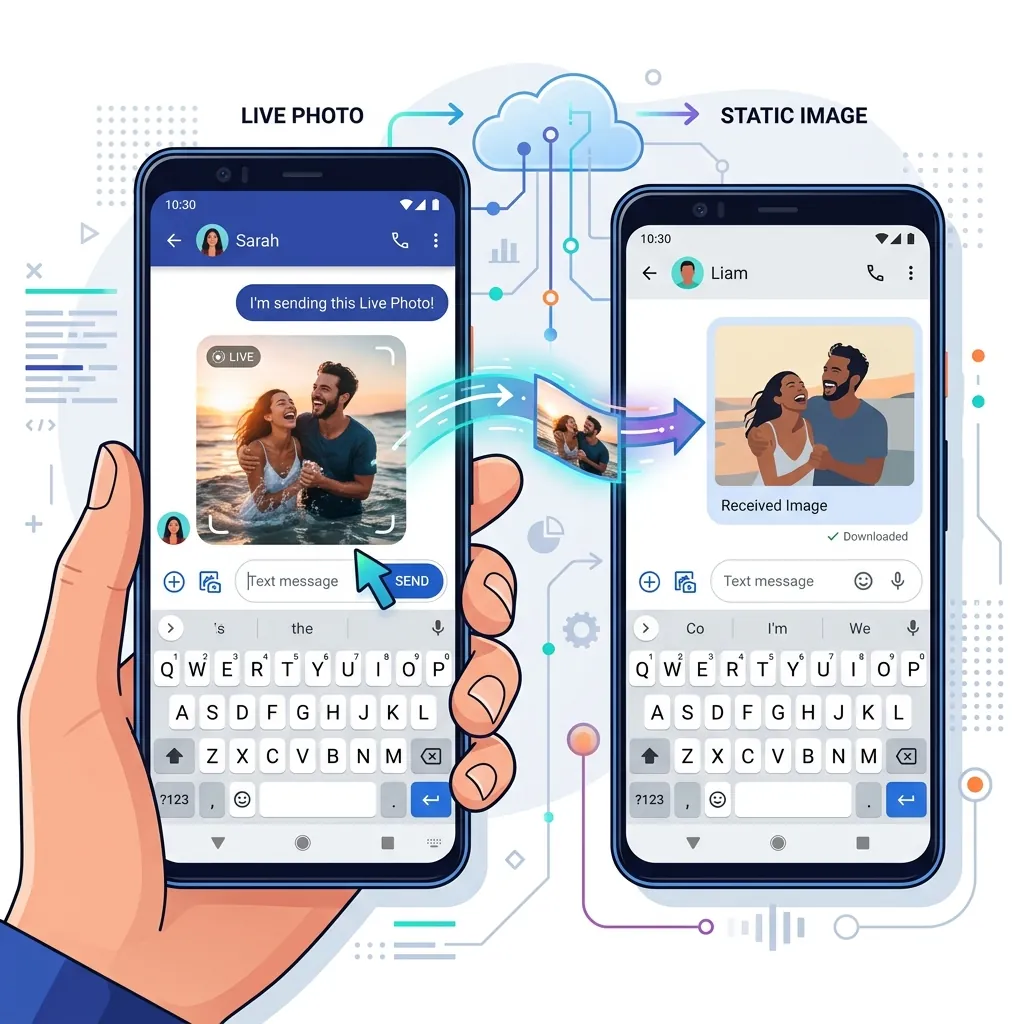
- You're sharing with Android, Windows, or the web - a Live Photo arrives as a frozen still, but a video plays for everyone.
- You're posting to Instagram, TikTok, WhatsApp, or YouTube, which all prefer video.
- You want a smaller, more universal file with the audio kept.
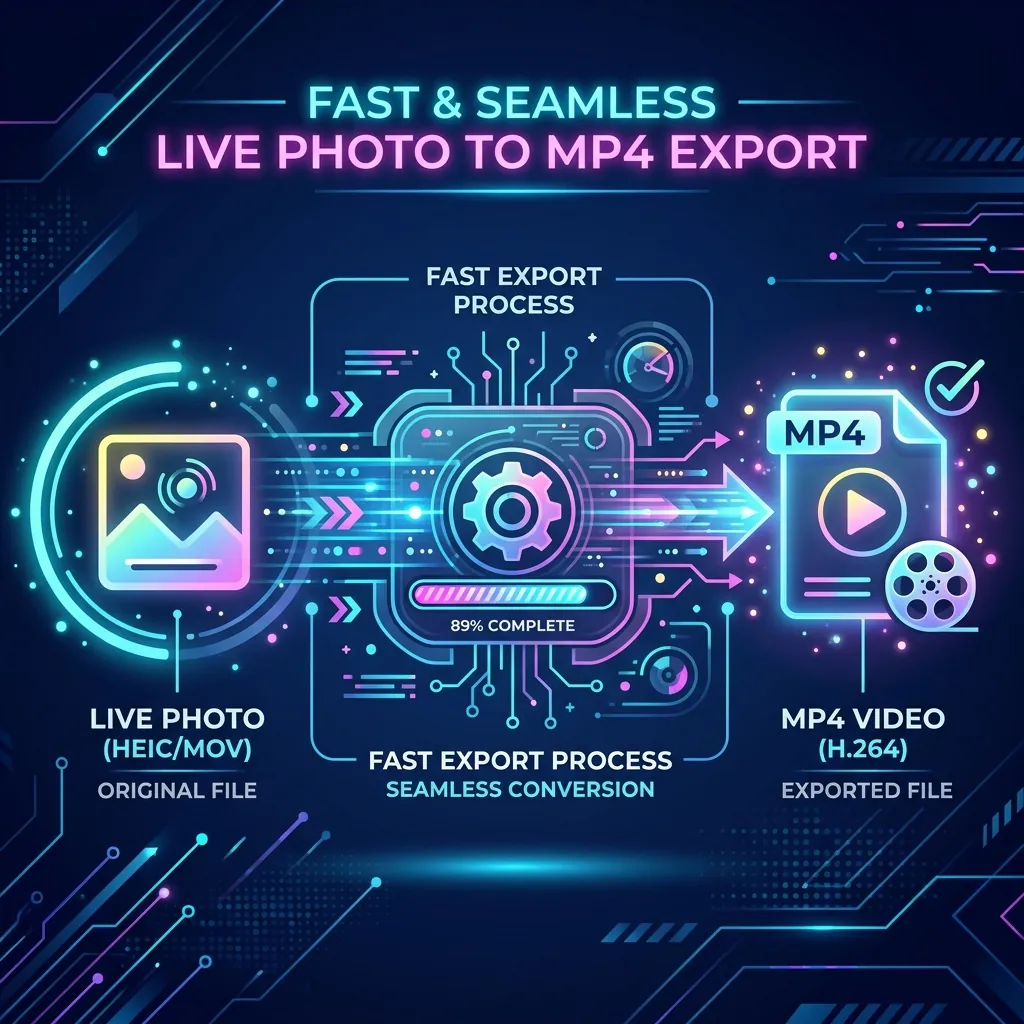
The conversion is quick and private - everything runs in your browser:
- Live Photo to Video - export as MP4 with audio kept.
- Live Photo to MP4 - the focused MP4 path.
- Full walkthrough: how to convert a Live Photo to MP4 and keep the audio.
- Posting to chat apps? See how to share Live Photos on WhatsApp and Instagram.
Going the other way works too: you can turn a video into a Live Photo for a Lock Screen wallpaper. The step-by-step version is in how to convert a video to a Live Photo without an app.
Live Photo vs Video vs GIF
If you're weighing all three formats, a GIF is the silent, loops-everywhere option that trades quality for compatibility. See Live Photo vs GIF for that comparison. As a rule of thumb: keep a Live Photo for Apple devices and wallpapers, use a video for sharing with sound, and use a GIF only when the destination truly can't embed video.
Frequently Asked Questions
Is a Live Photo just a short video? No. It's a full-resolution still image with a separate ~3-second motion clip attached. The still is the main asset; the clip plays on press-and-hold.
Does converting a Live Photo to video lose quality? A good converter keeps the original resolution and audio, so quality stays high. The main thing you lose is the "press and hold" still-photo behavior, which doesn't exist outside Apple devices anyway.
Can I turn a video back into a Live Photo? Yes - trim it to a few seconds and use Video to Live Photo.
Which is smaller, a Live Photo or a video? A trimmed MP4 of the same moment is usually smaller and more universal than the Live Photo's paired still-plus-clip package.