World Cup Matchday Clips: Live Photo, GIF, or MP4?
During a big soccer tournament, you end up with the same moment in three different forms: a Live Photo in your camera roll, a GIF in a group chat, and an MP4 someone saved from a social app. They all move, but they are not the same thing.
Choosing the right format saves a lot of pain. Use Live Photo for your own lock screen. Use MP4 when you want to share with almost anyone. Use GIF when the moment is short, silent, and meant to loop.
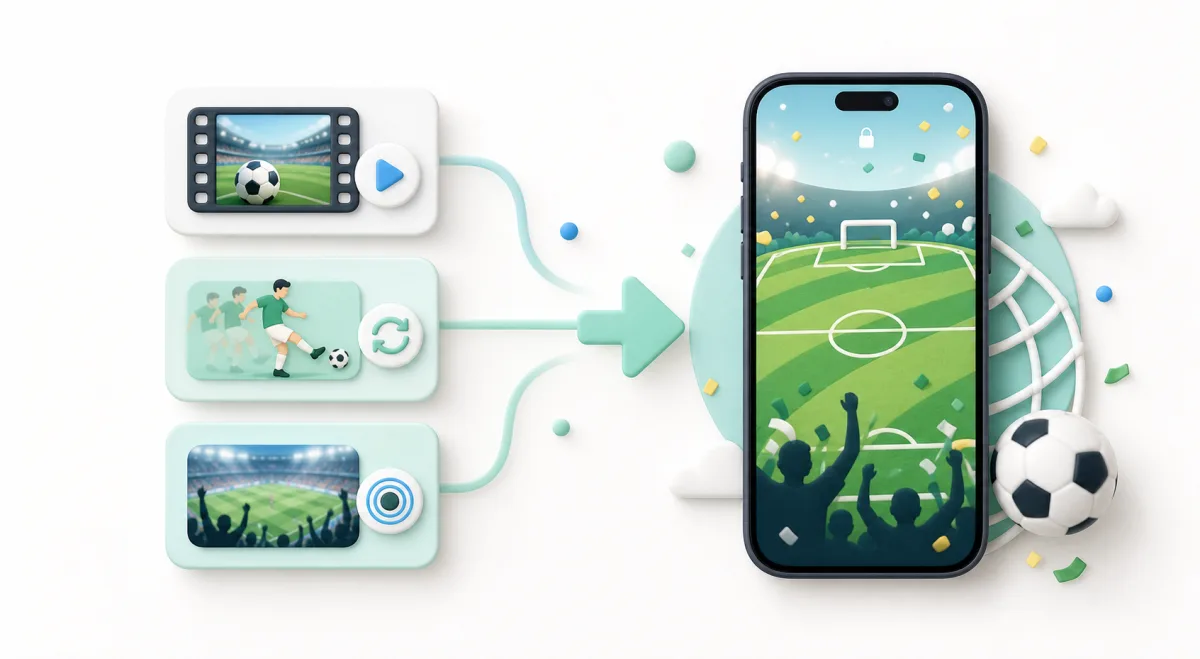
Quick comparison
| Format | Best for | Audio | Quality | Works everywhere? |
|---|---|---|---|---|
| Live Photo | iPhone lock screens and Photos | Yes, sometimes | High | No |
| MP4 | Sharing clips anywhere | Yes | High | Almost everywhere |
| GIF | Silent reaction loops | No | Lower | Very broad support |
If you remember only one thing, remember this: MP4 is the safest sharing format.
Use Live Photo for lock screens
Live Photos feel personal because they live inside your iPhone experience. They are great for:
- a celebration wallpaper,
- a watch-party reaction,
- a stadium moment,
- a short clip of your own soccer game,
- a matchday background you want to keep for the tournament.
To create one, use Video to Live Photo, MP4 to Live Photo, or GIF to Live Photo, depending on your source file.
Use MP4 for sharing
MP4 is what you want for WhatsApp, Instagram, Android friends, video editors, and almost every website.
Use Live Photo to Video when your source is an iPhone Live Photo and you want to keep the motion. Leave audio on if the sound matters. For a watch-party clip, sound often makes the moment.
MP4 is also better than GIF for anything with grass, stadium lights, faces, or fast movement. GIF compression can make all of that look rough.
Use GIF for quick reactions
GIFs are good for small silent loops:
- a two-second celebration,
- a funny reaction,
- a looped gesture,
- a small group-chat joke.
Use Live Photo to GIF when you want to turn your own Live Photo into a shareable loop. Use GIF to Live Photo when you want to go the other direction and put a GIF-style loop on your lock screen.
What about clips from social apps?
If you saved a clip from a social app and it is already an MP4, do not convert it to GIF first. Go straight to MP4 to Live Photo for lock screens, or keep it as MP4 for sharing.
If the clip is from a broadcast or a copyrighted source, be careful about how you reuse it. Personal wallpaper use is different from reposting highlight footage publicly.
Best matchday workflow
Here is the clean setup:
- Keep the original Live Photo or video untouched.
- Export an MP4 for sharing.
- Make a short Live Photo version for your lock screen.
- Make a GIF only for tiny silent reactions.
That gives you one good version for each place the clip might live.
A small file-size tip
If a file is too big to send, shorten it before lowering quality. A sharp 3-second clip usually feels better than a blurry 12-second one. The best matchday clips get to the moment quickly.